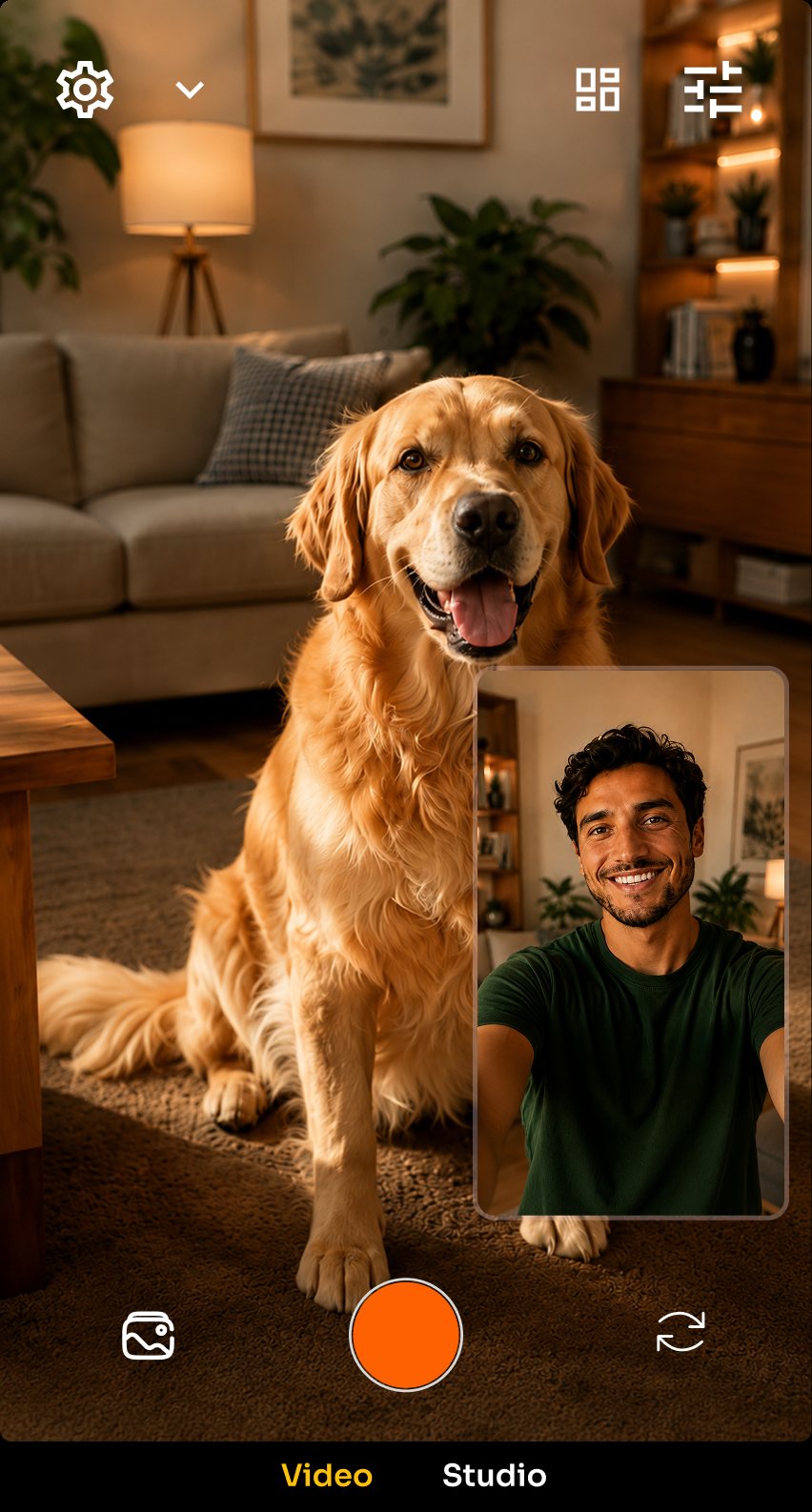
Layouts
Choose how the two views meet.
Pick a layout and the viewfinder recomposes on the spot. What you see in the frame is what gets written to the file.
- Drag
- Move the inset anywhere in the frame
- Target
- Send filters to the front camera, the back camera, or both
- Remember
- Reopens on the layout and camera you used last
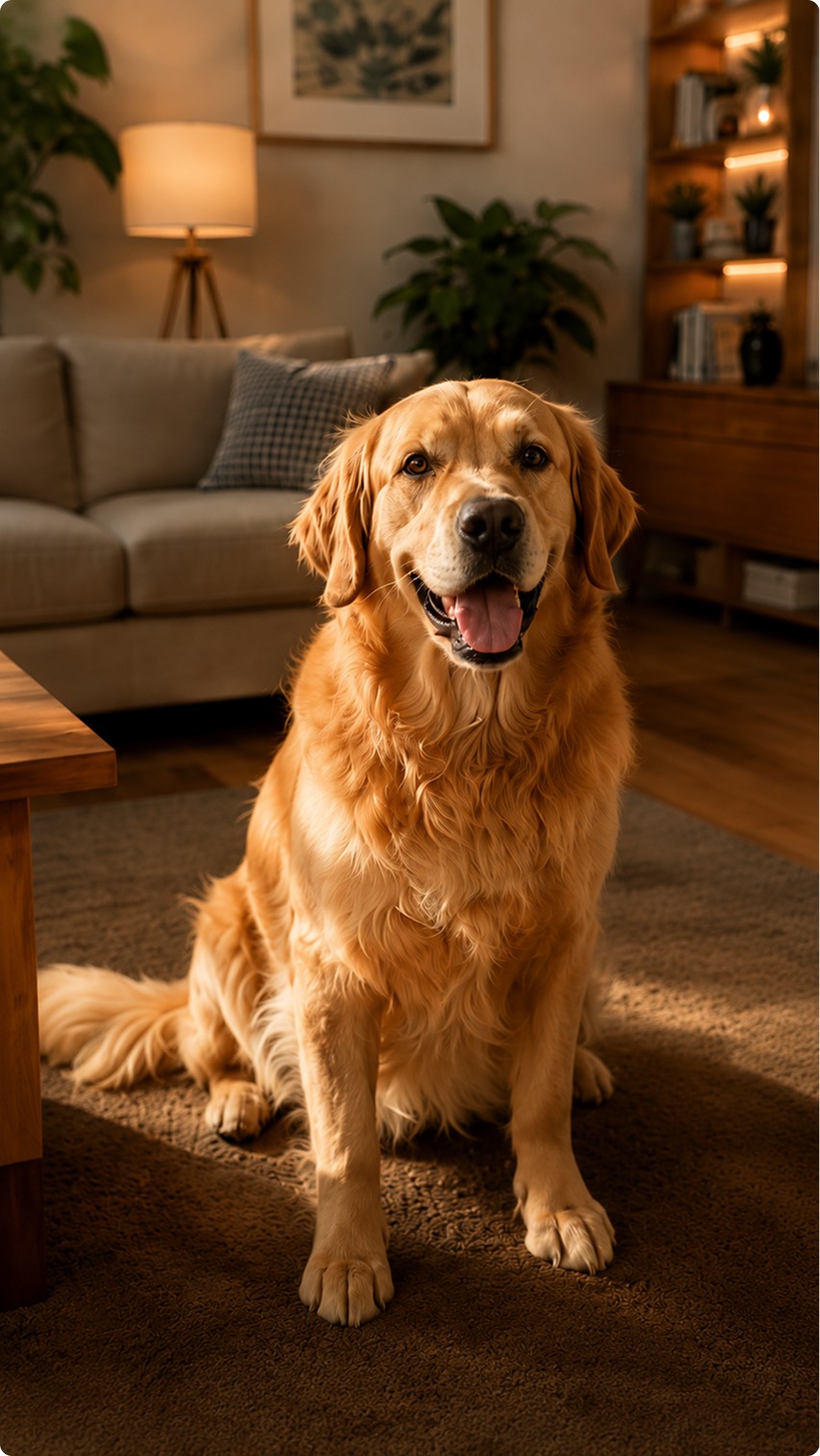
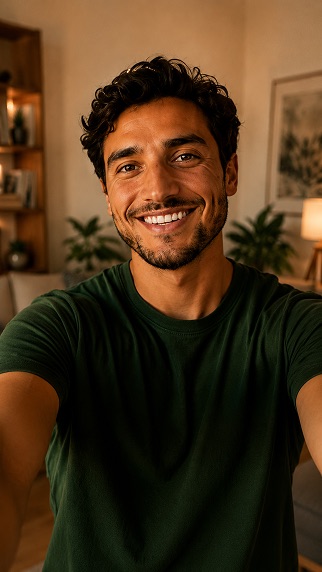
Studio
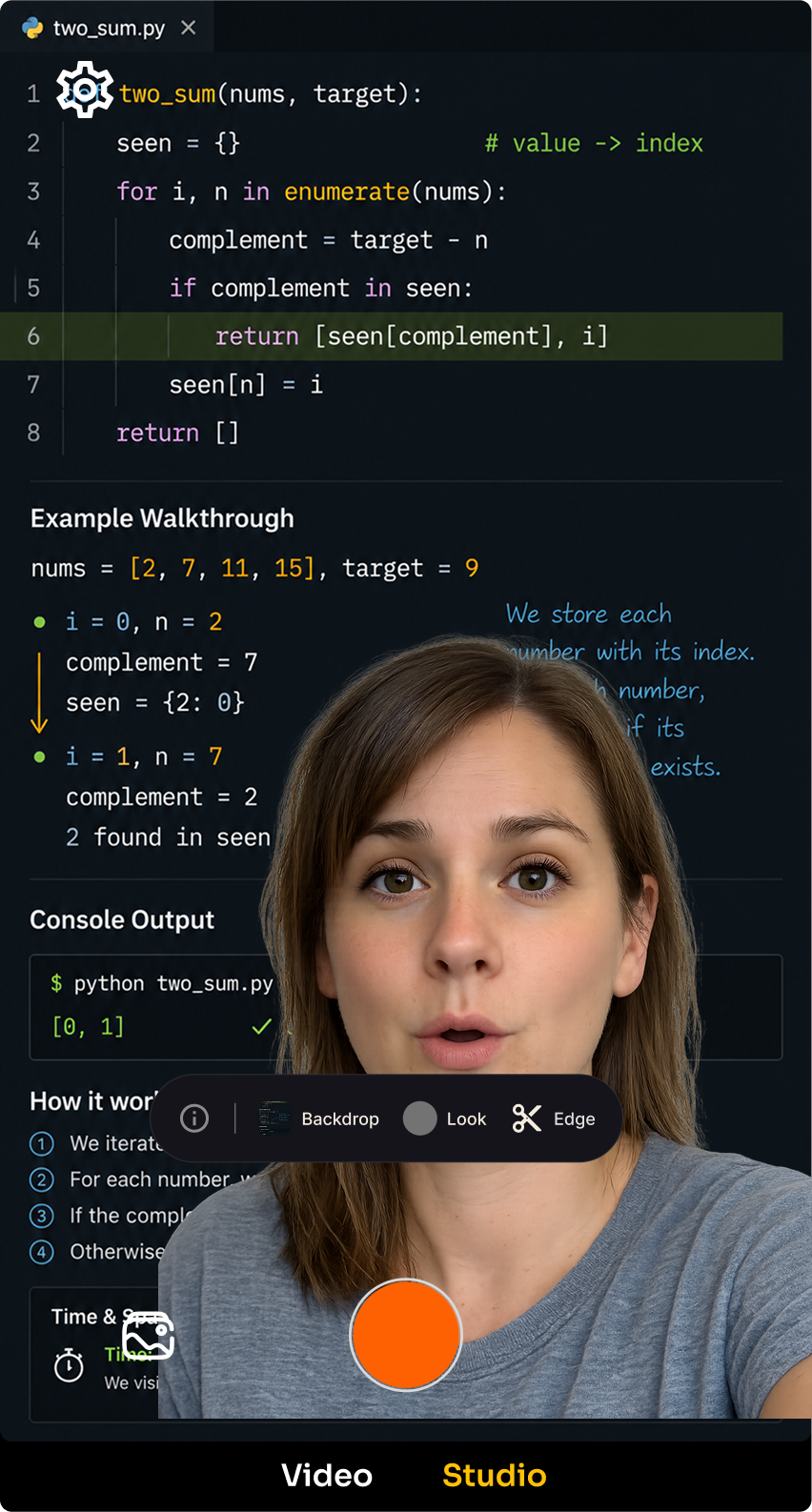
Change what's behind you, live.
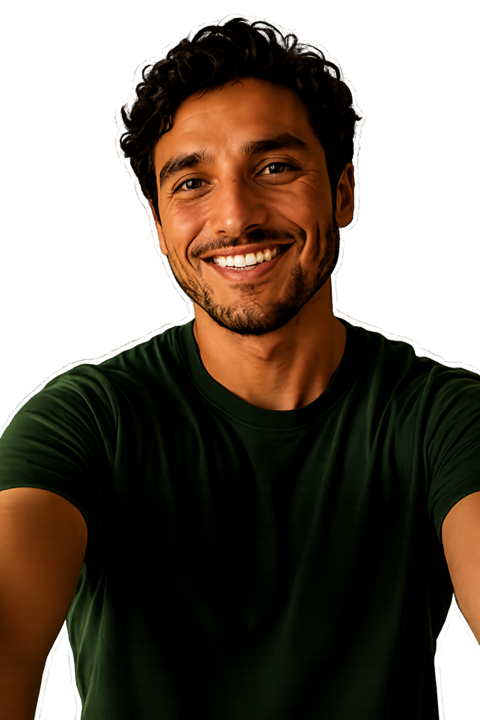
Portrait segmentation lifts you off your background frame by frame. No green screen, and nothing to wait for.
- Backdrop
- A soft blur, a solid colour, or your own photo or video
- Look grades
- Warm, cool, vivid, mono and cinema, graded for skin
- Edge refine
- Tighten or soften the cutout edge to suit the light
Teleprompter
Read your lines without looking away.
Your script sits at the top of the frame, just under the lens, so your eyes stay on the camera. The sentence you are on lights up and the rest stays dim, moving at the speed you set in words per minute.
- Follows the take
- Press record and it starts from the top. Stop, and it is ready for the next take
- Place it
- Drag it anywhere in the frame and resize it from a corner
- Off the record
- The script is on your screen only. It never appears in the video
Sign in with Google to use it. Your scripts stay on your phone only: never uploaded, not even to your phone's backup.
Hands-free
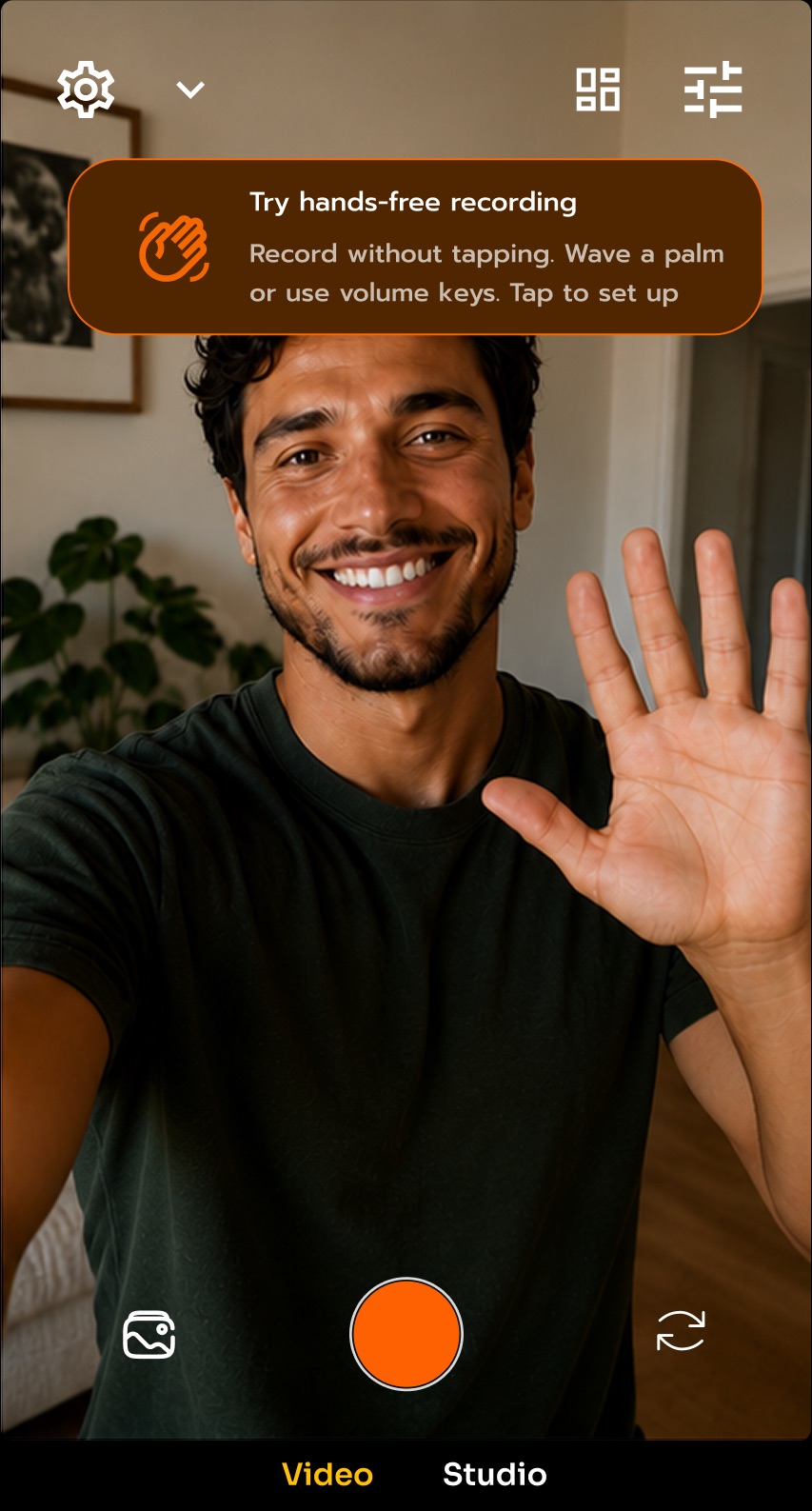
Start recording from across the room.
Raise an open palm at the lens. A halo confirms the camera saw it, then the countdown starts.
- Palm gesture
- Raise it, don't hold it: one wave, one take
- Volume keys
- Either key starts and stops recording
- Countdown
- Enough time to get back in frame
After the take
Trim it and send it without leaving.
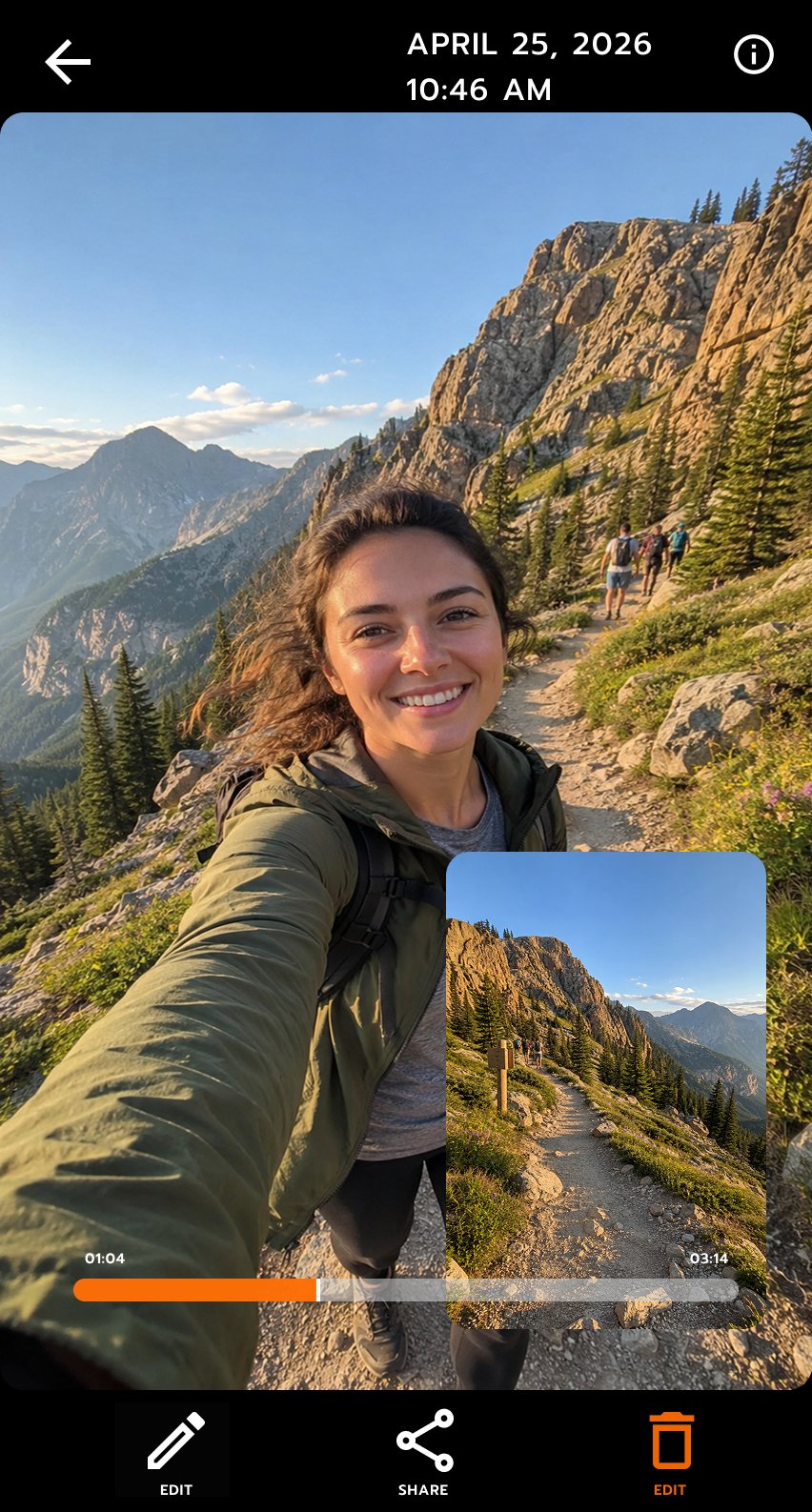
Everything you shoot lands in a gallery grouped by month, with both camera views replaying in one video.
- Trim
- Drag the filmstrip; the handles preview the exact cut frame
- Edit
- Crop, change the speed, drop text on it
- Export
- Original, 1080p or 720p, with progress as it writes
Why it works this way
Most camera apps assume you are standing still, holding the phone in both hands, filming one thing at a time. UnKover does not assume that.
The harder part was doing all of it live. Compositing two camera feeds, cutting a person out of one of them and grading the result is normally something you wait for. Here it happens in the viewfinder, at frame rate, on the hardware already in your pocket.
Details
The rest of it
- Live filters
-
Colour grades that render as you shoot
Seven film looks — Portra, Golden, Ektar, Cinema, Frost, Bleach and Noir — with vignette, grain and sharpening to finish. They stack, they render in the preview so you frame the finished shot rather than guess at it, and each one can go to the front camera, the back camera or both. Adjustable filters expose an intensity slider.
- Face blur
-
Blur faces automatically
Faces are found and blurred as the frame is composited, before anything reaches the file — including a face the frame only half contains, which is where a passer-by usually is. Useful when you are filming in public.
- Stabilisation
-
Electronic stabilisation, where the hardware offers it
Turn EIS on for handheld walking shots. It stays off by default so you keep the full sensor width until you ask for it.
- Framing
-
Composition grid, HDR, focus and exposure
A rule-of-thirds grid, an HDR toggle, and tap to focus with a vertical drag for exposure: the controls you actually reach for, kept on the surface.
- Gallery
-
Everything you shot, grouped by month
Drag to multi-select, scrub without stutter, skip ten seconds with a double tap, and share or trash a clip without leaving the app.
- Large screens
-
Rails and panels on tablets and foldables
On a larger display the controls move out of the frame and into side rails, so the viewfinder keeps the room it needs.
- Requirements
-
Android 12 or newer
Simultaneous front and back capture depends on your phone supporting concurrent cameras. Every other feature works on a single camera.
Privacy
Your video never leaves your phone.
Segmentation, face detection and gesture recognition all run on the device. Your camera and microphone feeds are never uploaded, your teleprompter scripts never leave your phone, and you do not need an account to record. The app reports crashes and basic usage analytics. The privacy policy sets out exactly what that covers.