Editor

Edit it here.
No second app.

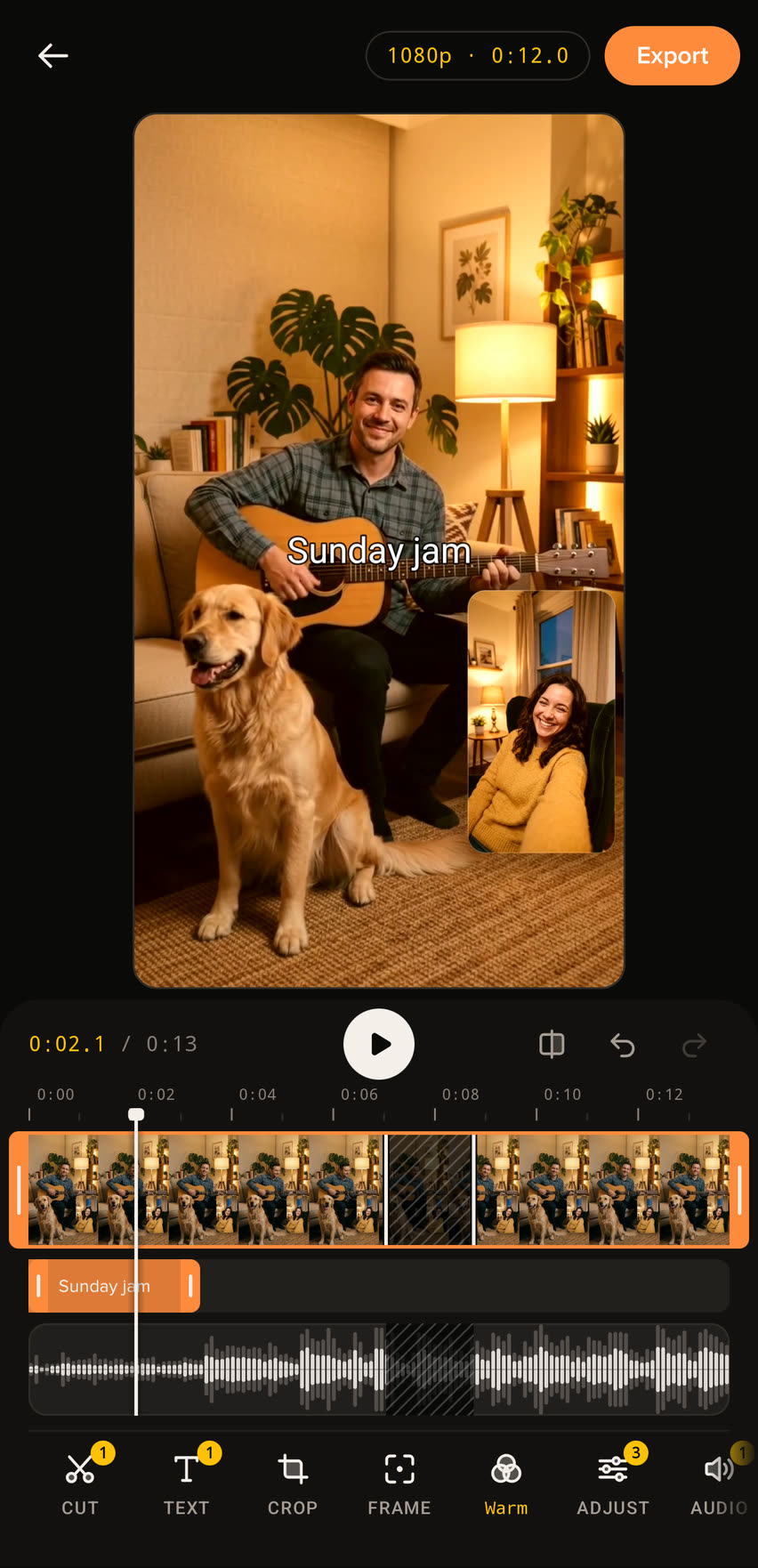
Every take opens in the editor, straight from the gallery. Cut it down, caption it, frame it, and export a new video. The original stays as it was.

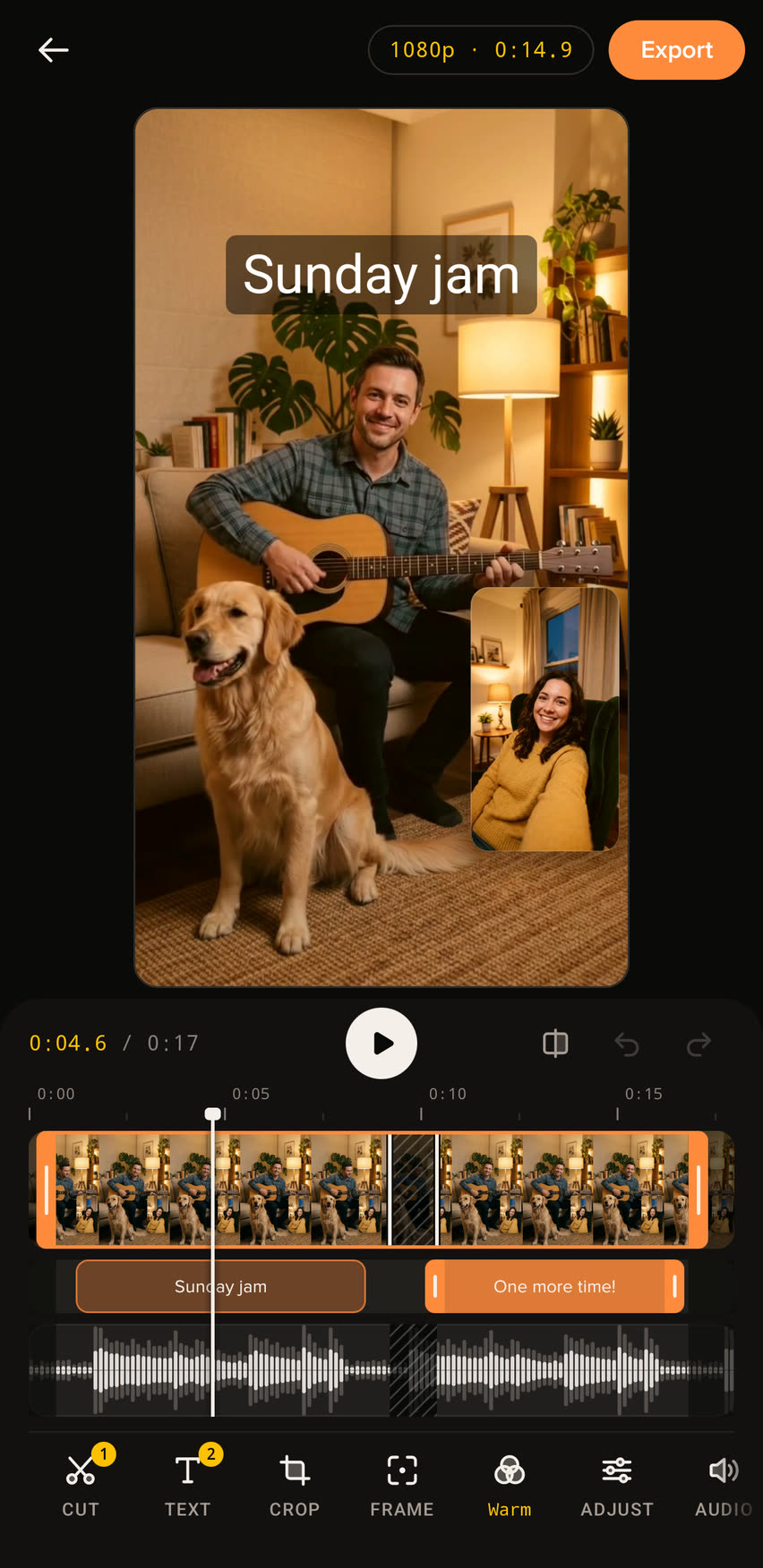
The UnKover editor: a dual-camera clip of a man playing guitar with his dog, the caption Sunday jam over it, and the timeline below with trim grips, a part cut out, two caption blocks and the sound waveform.

Eight tools. One screen.

The timeline holds still and the playhead moves along it. Pick a tool to see it.
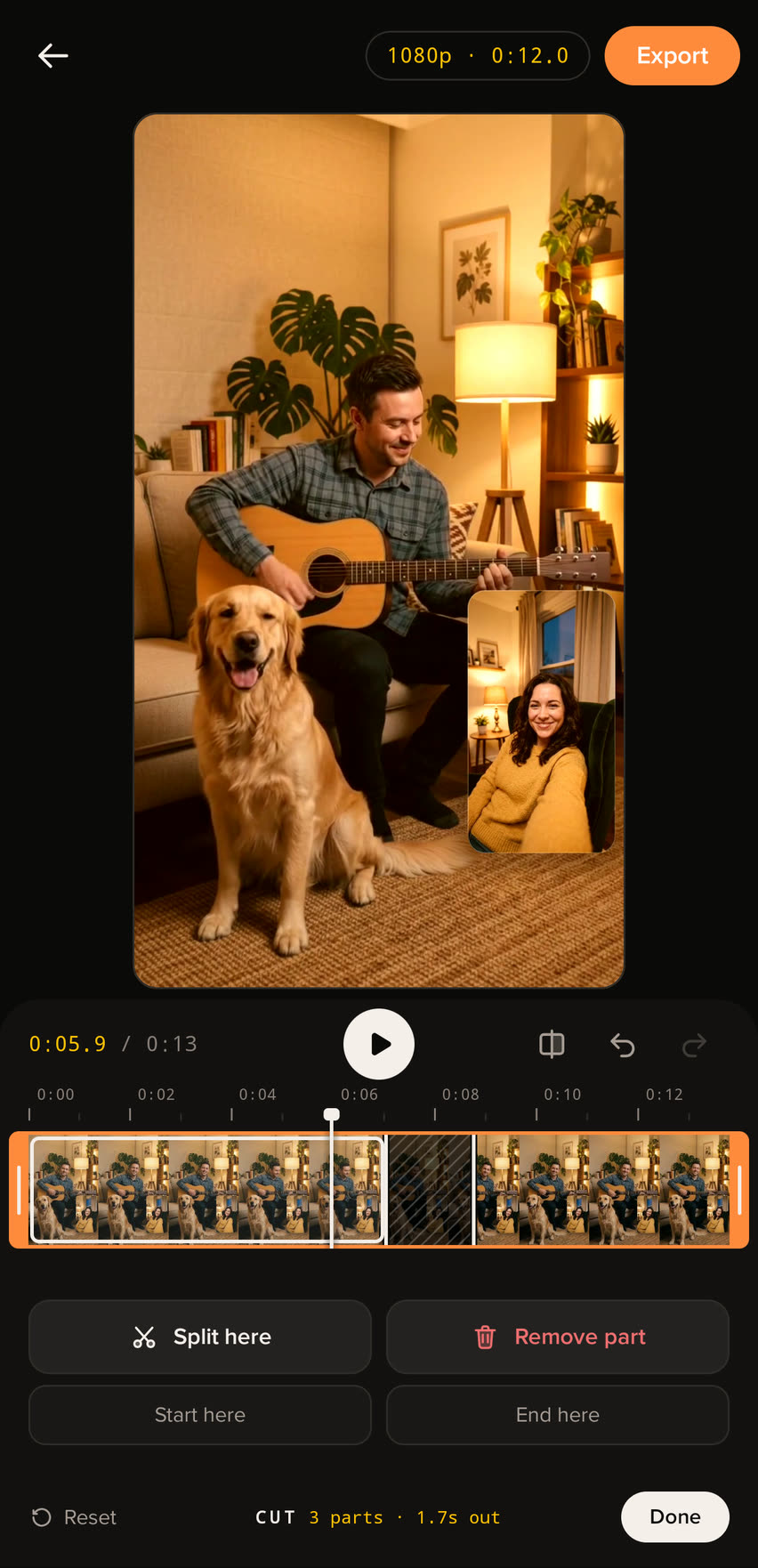
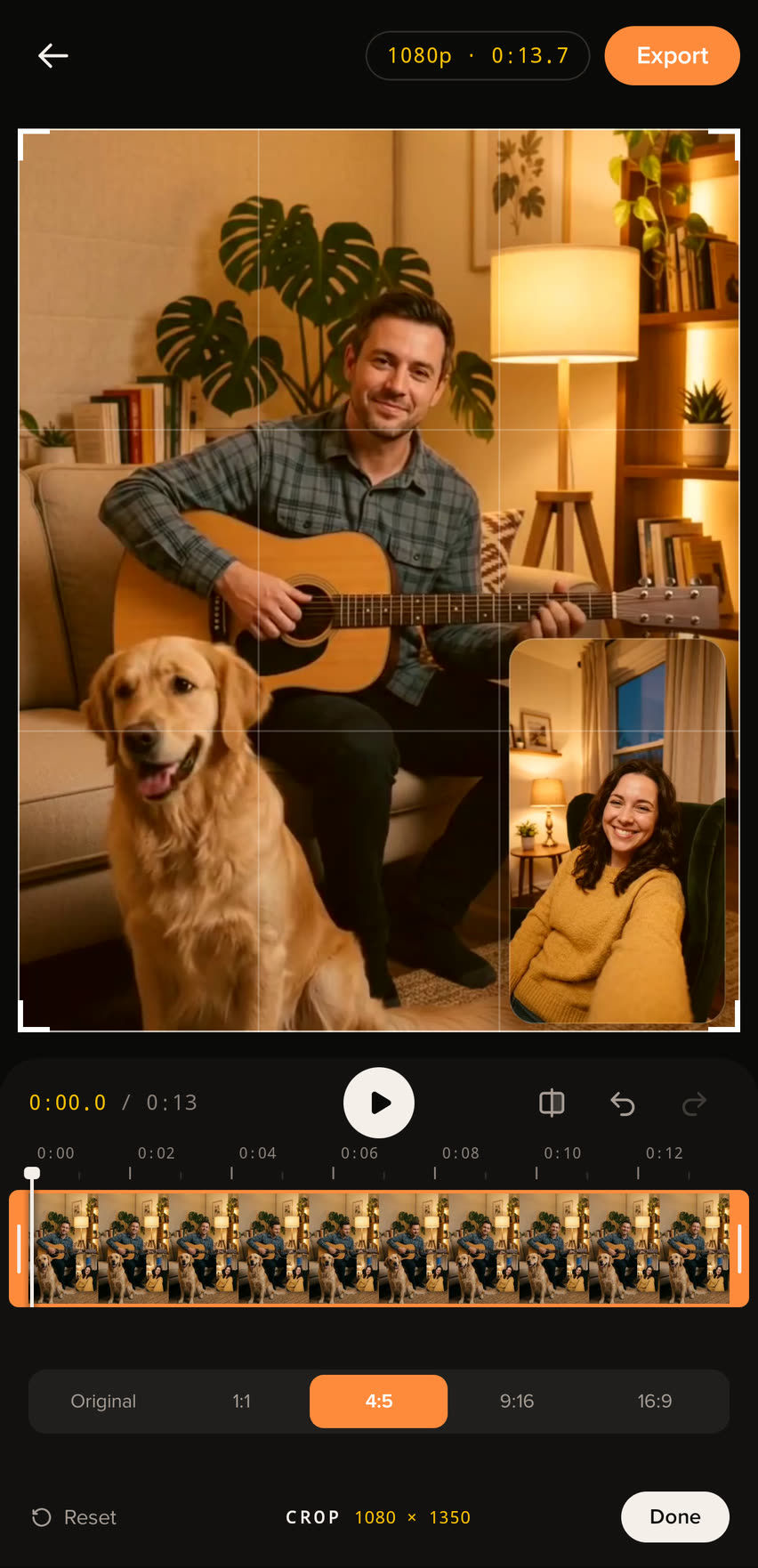
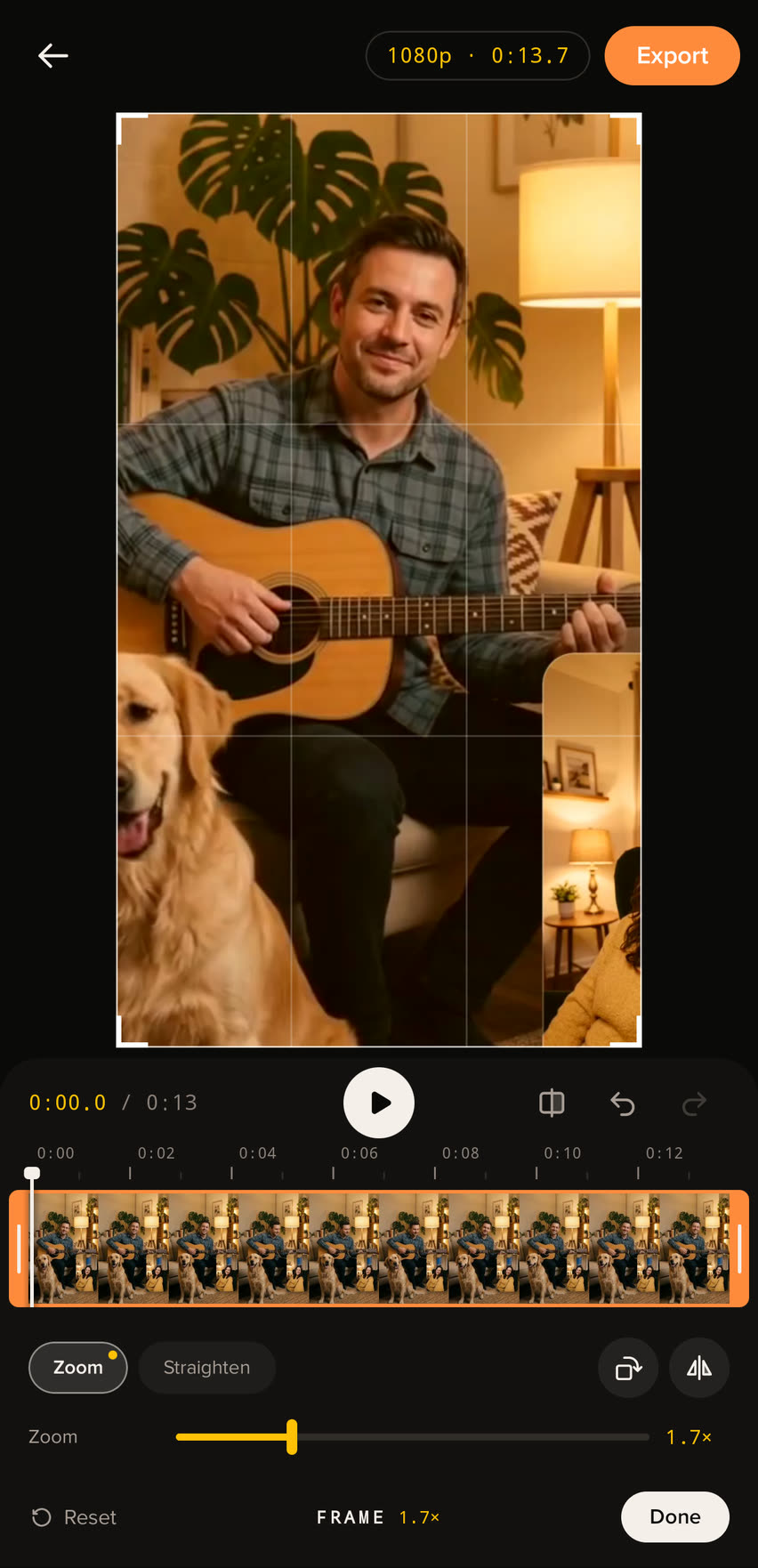
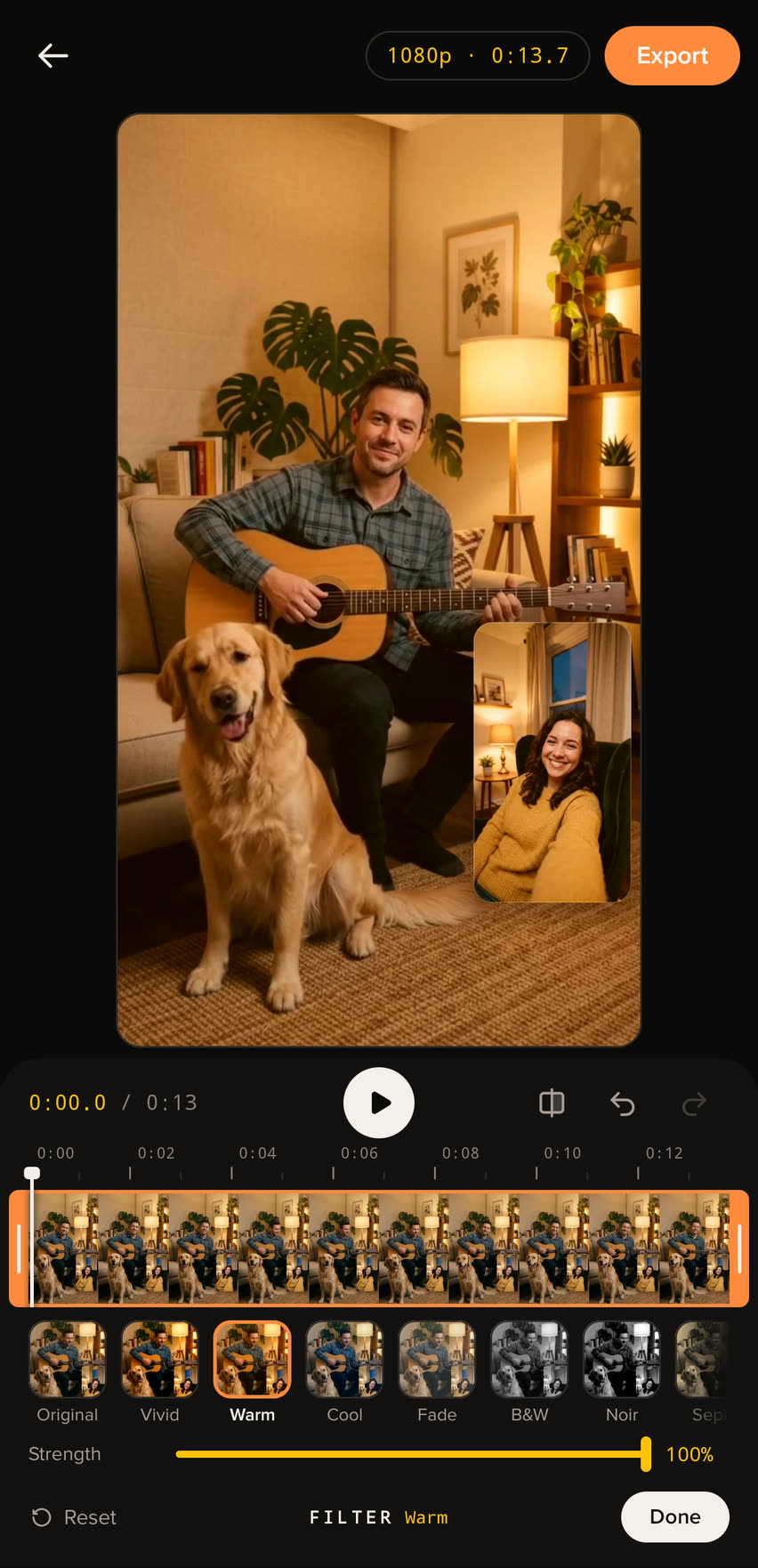
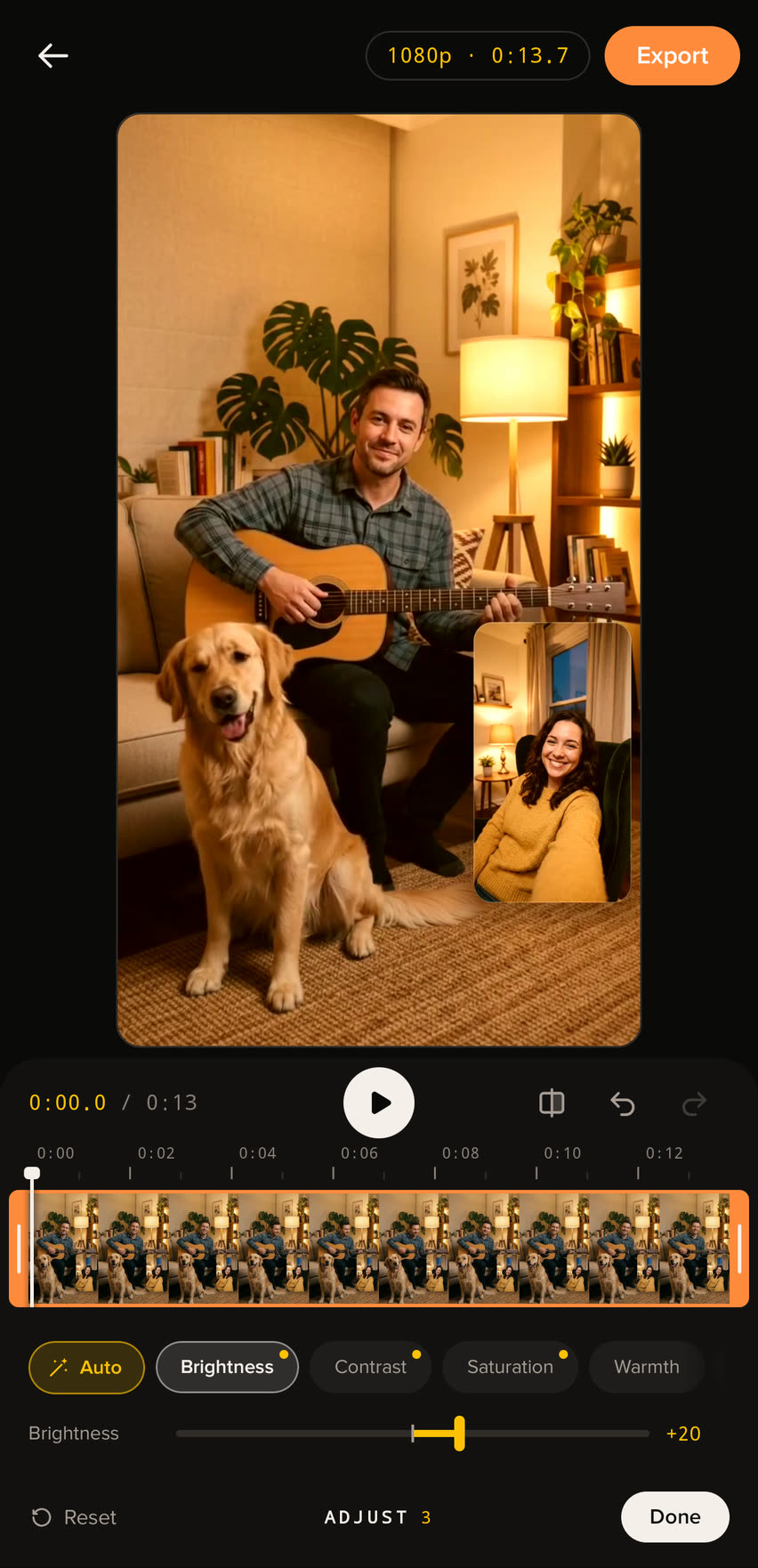
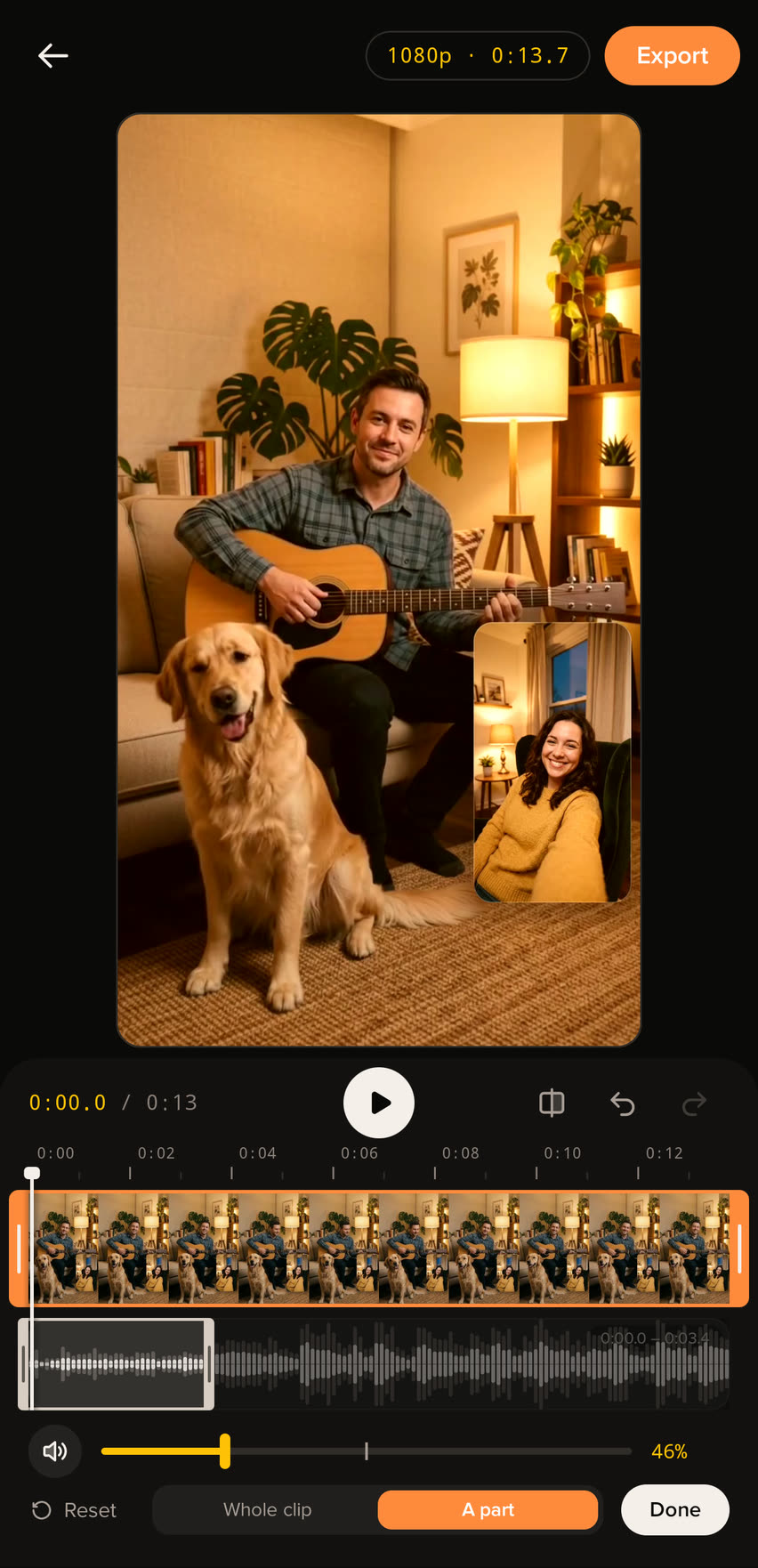
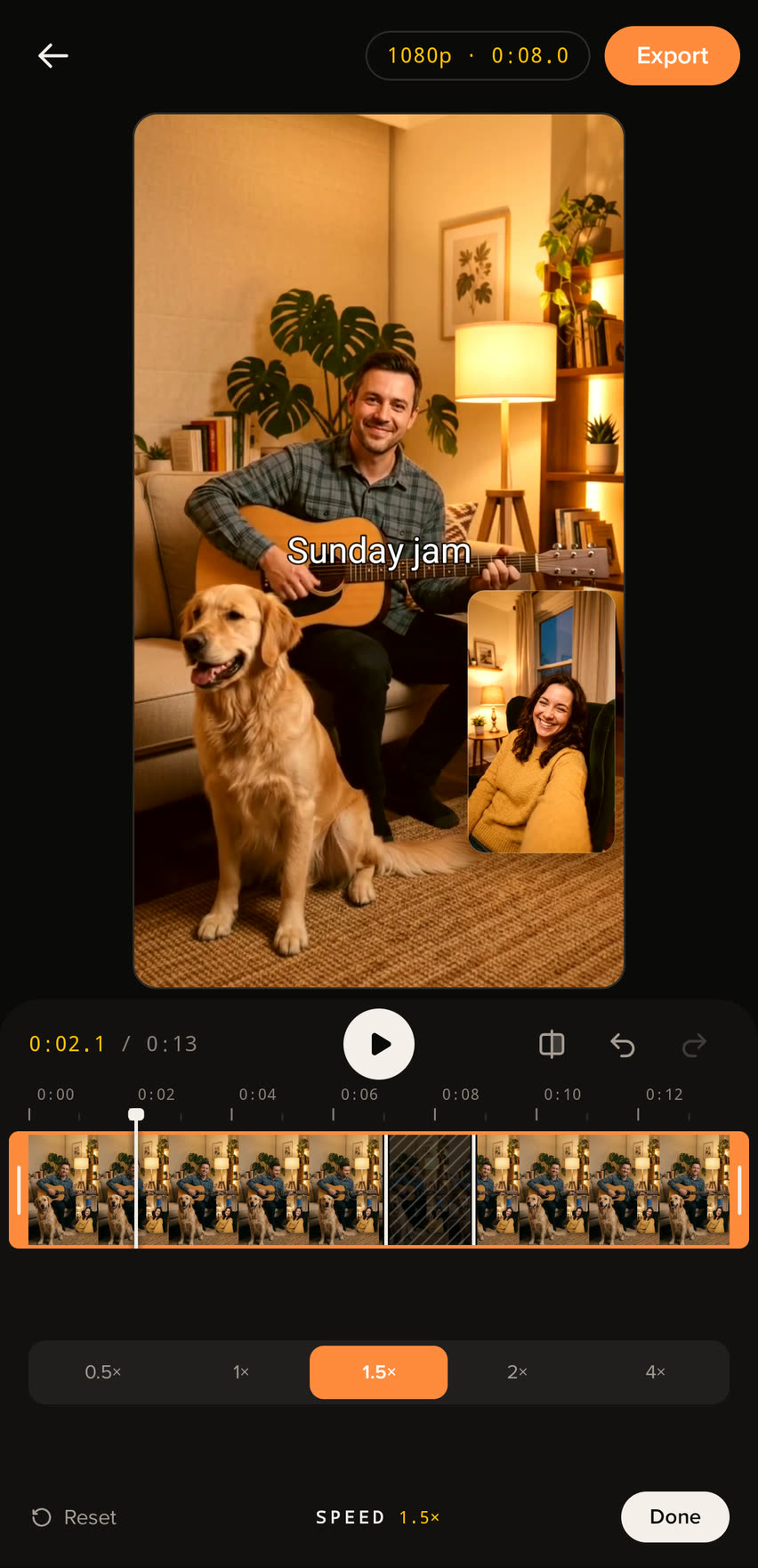
The Cut tool: the timeline with a part cut out of the middle, and Split here and Remove part below it. A caption, Sunday jam, over the picture, with its block on the timeline above the sound waveform. The Crop tool set to 4:5, with the frame drawn over the picture. The Frame tool zoomed to 1.7 times, closer on the guitar player. The Filter tool with the Warm look picked from a row of looks, and its strength at 100 percent. The Adjust tool with Auto on and brightness raised. The Audio tool with the first stretch of the waveform picked and its level at 46 percent. The Speed tool set to 1.5 times.

Change your mind freely.

Undo and redo

Every step can be taken back, and brought back again.

Hold to compare

Hold the compare button to see the picture without your look and adjustments.

Pick up later

Leave in the middle of an edit and carry on where you left off.

Your original stays as it was.

Before you export, you see exactly what you'll get: the size, the length and every change. The edit is saved as a new video next to the take, ready to share from the gallery.
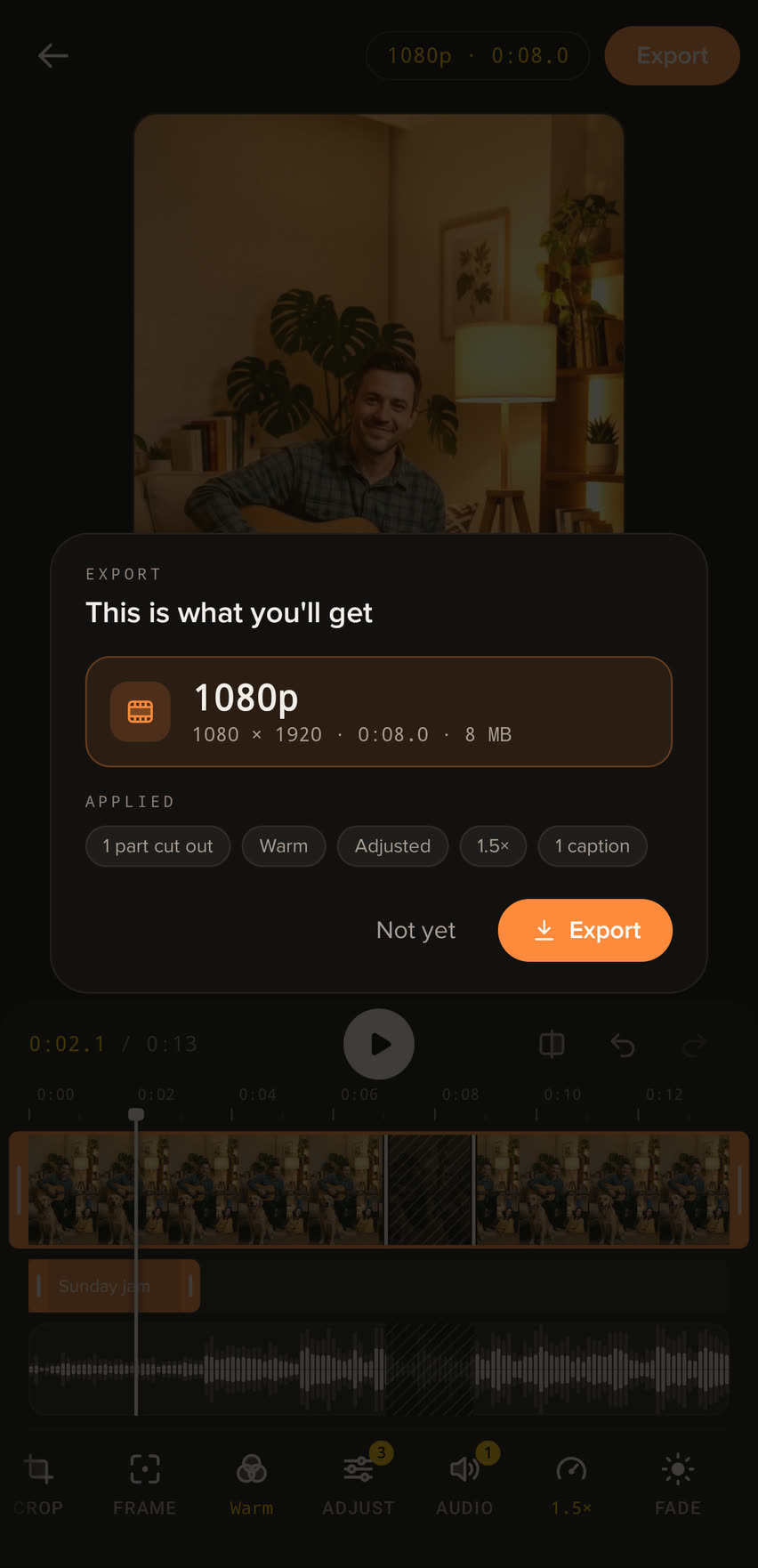
The export summary, This is what you'll get: 1080p, 1080 by 1920, eight seconds, 8 MB, with the changes applied listed below: one part cut out, Warm, Adjusted, 1.5 times and one caption.

Shoot it. Cut it. Share it.

Get it on Google Play