Never recorded.
The script is on your screen only. It never appears in the video.
Your script scrolls right under the lens while you record. The sentence you're on lights up, and none of it appears in the video.
Drag the control bar to move the words up or down the frame, and pull a corner to make the box bigger. Double-tap the bar to put it back at the top.
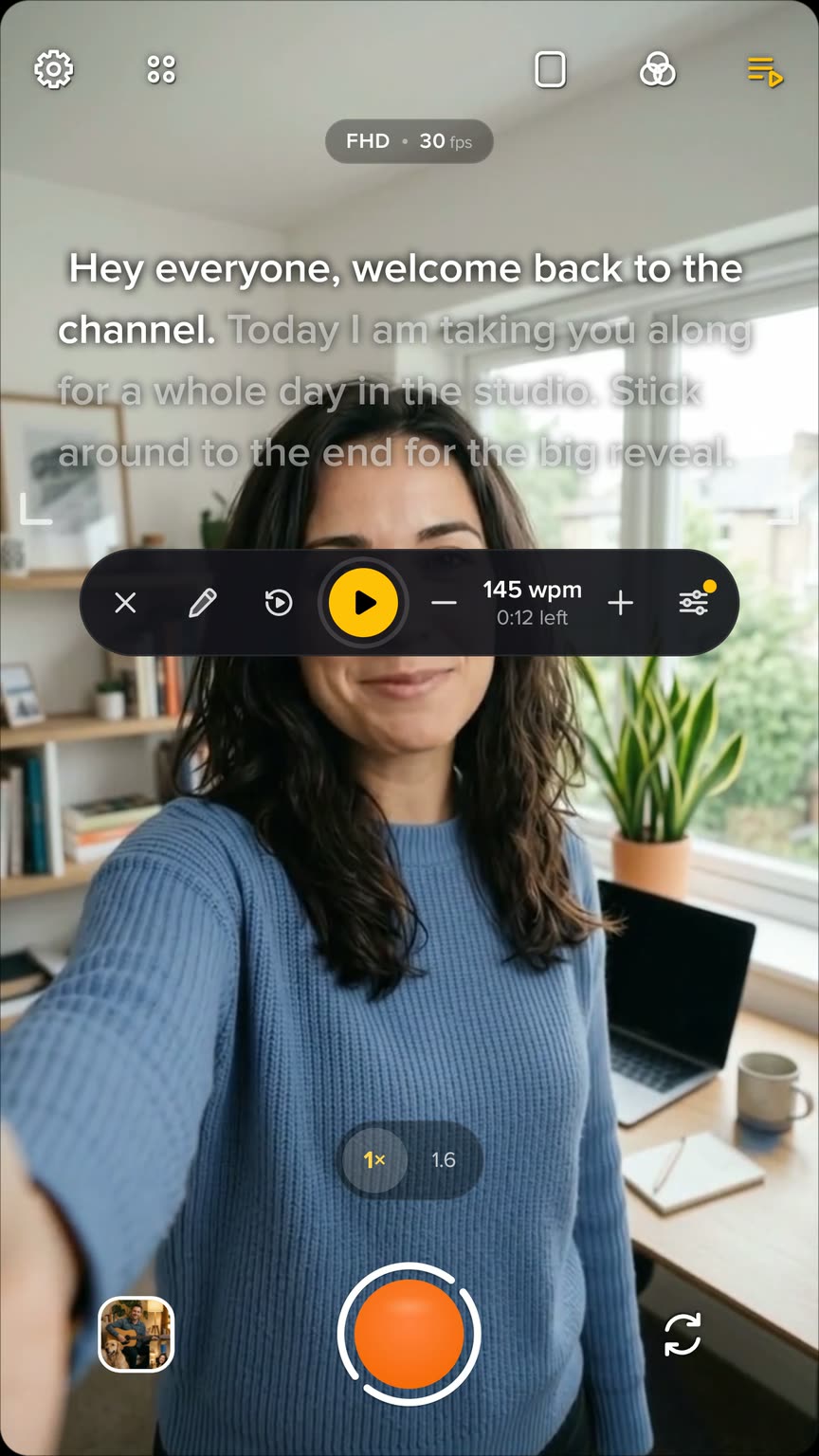
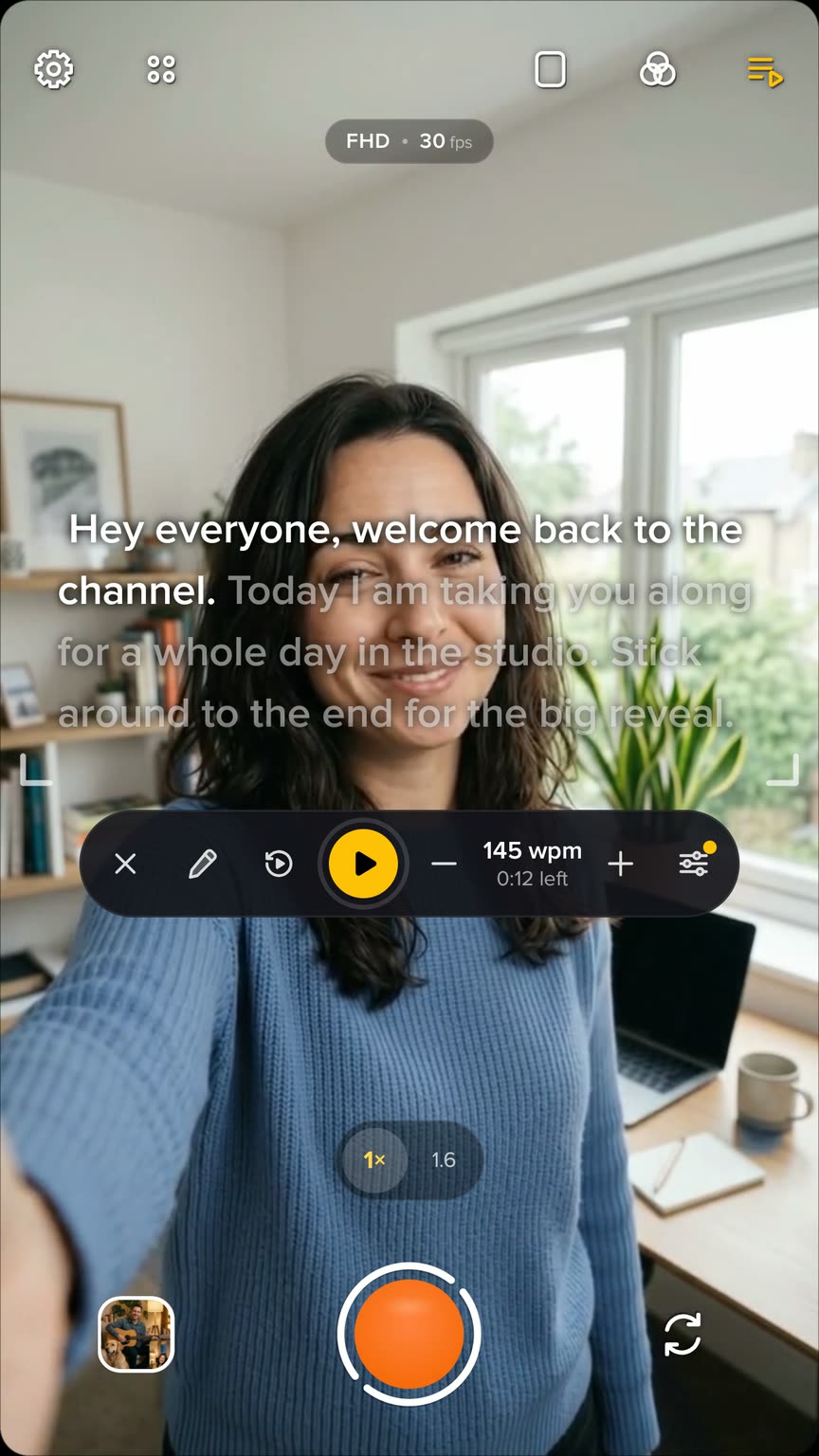
Speed is in words per minute: 140 is relaxed, 190 is brisk. Nudge it with minus and plus while you read, and see how long is left.
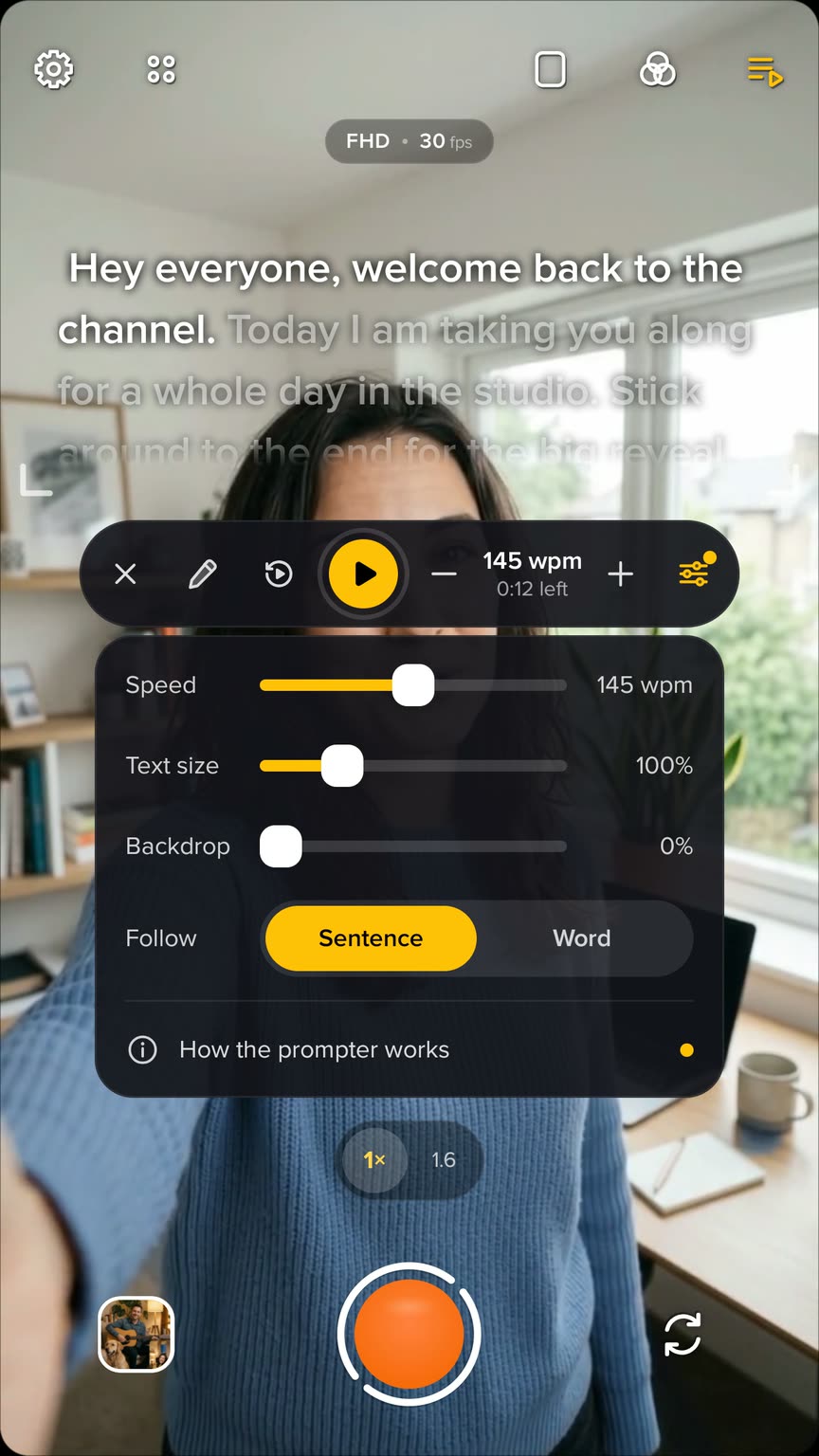
Make the text bigger or smaller, darken what's behind the words, and follow by sentence or word by word.
The prompter works in every layout, and in Studio over any backdrop.
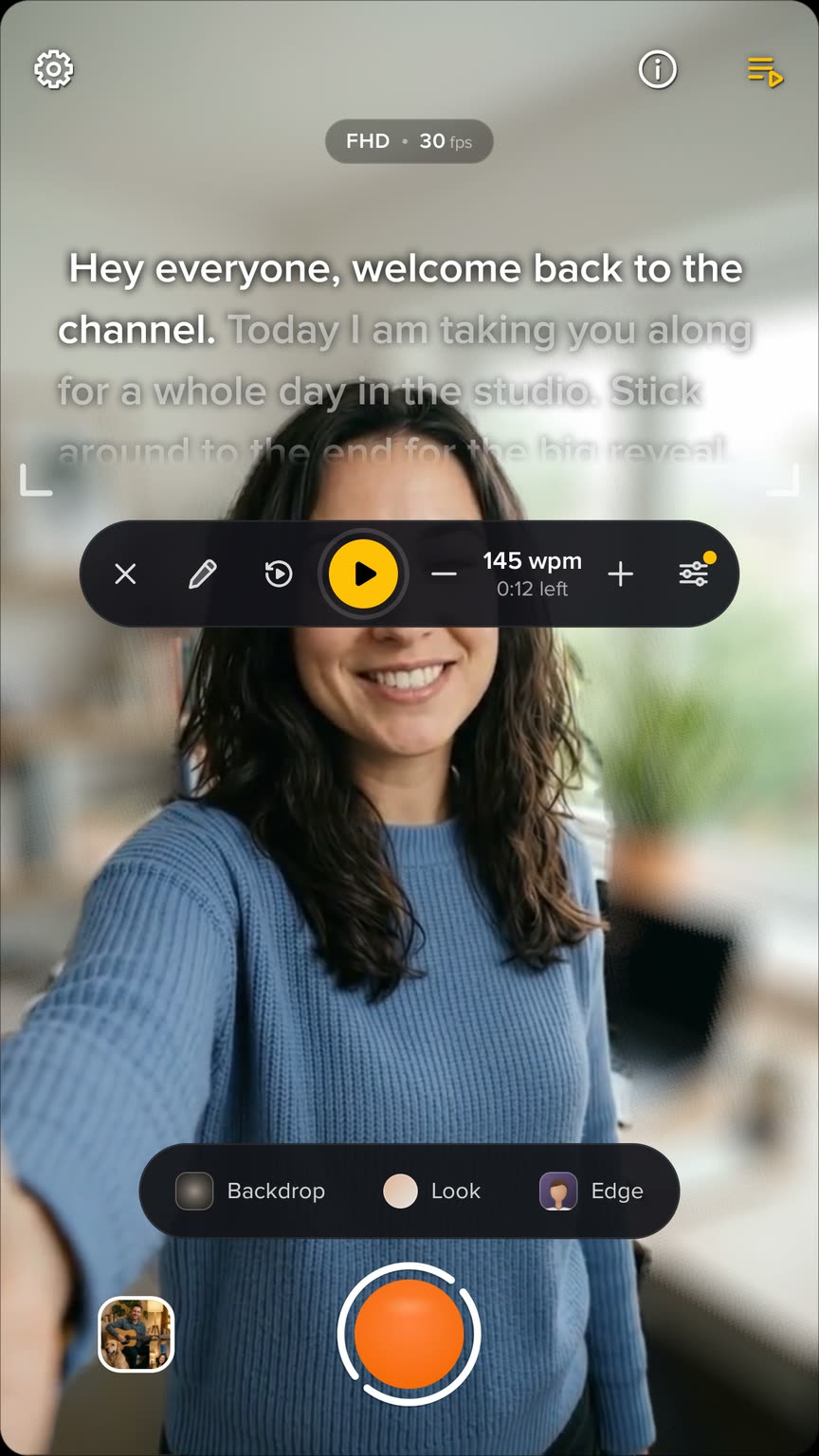
The script is on your screen only. It never appears in the video.
Tap the words to preview. A preview is only for you.
Drag the words to move through the script.
Press record and the script starts from the top. Stop, and it's ready for the next take.
Make the text bigger or smaller right on the screen.
Type or paste your script without leaving the camera. It's saved on this phone; sign in with Google to use it.