Edge.
Soft to keep wispy hair, natural for most scenes, or a crisp clean cut.
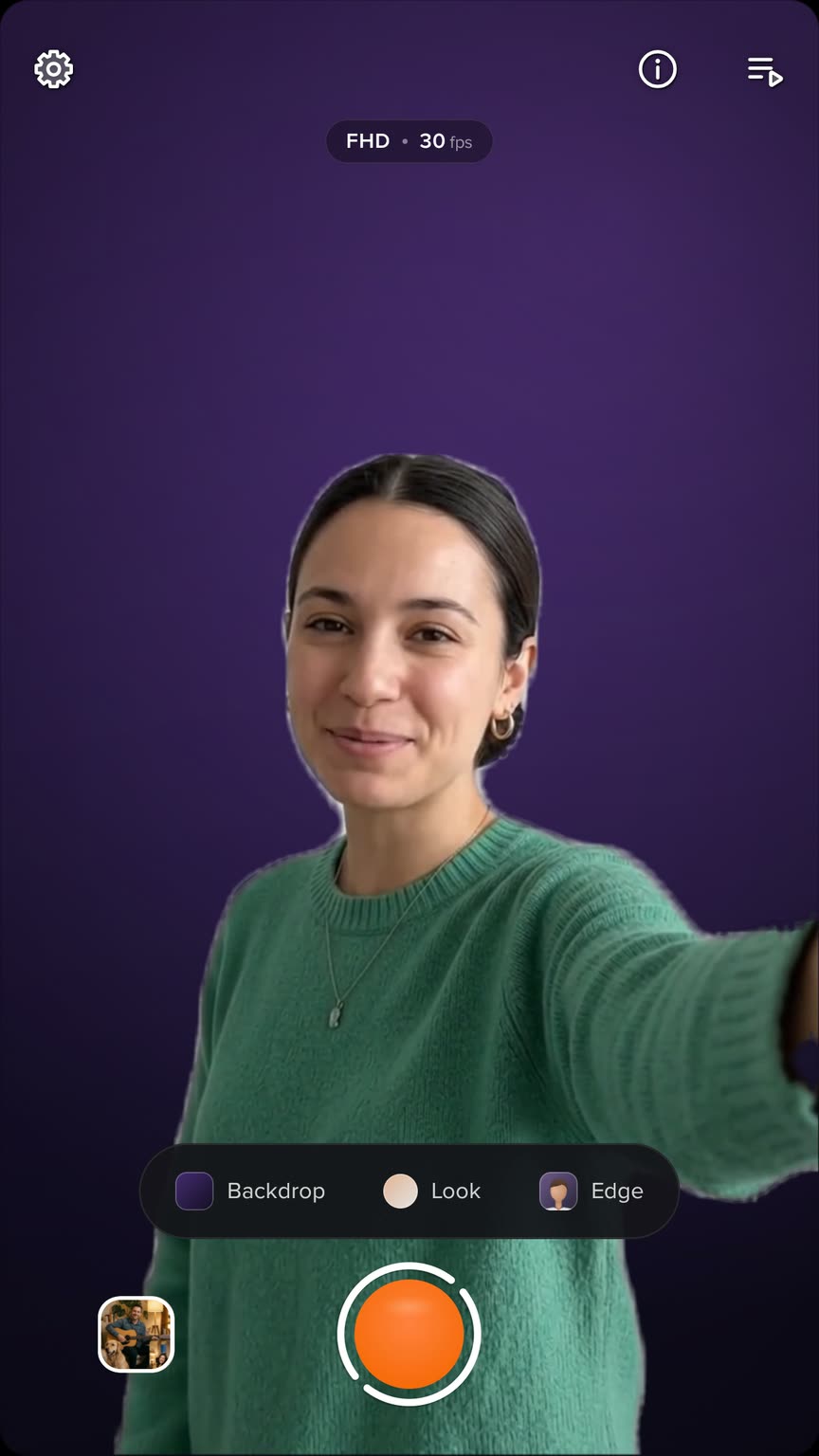
Studio cuts you out and puts a backdrop behind you, live, on the phone. No green screen, no editing afterwards.
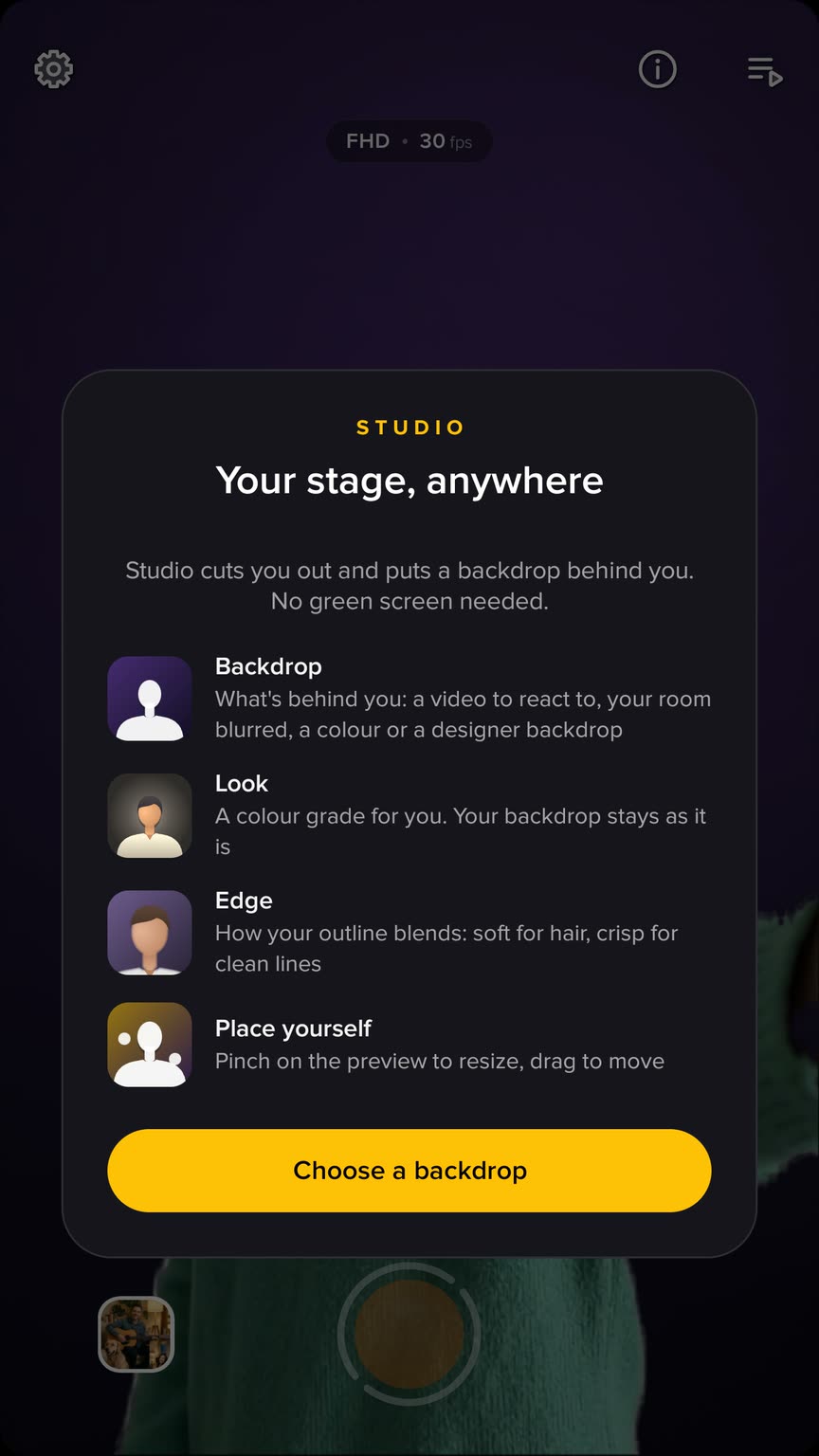
Studio separates you from your room on the phone, live, and puts a backdrop behind you. Pick one and keep talking.
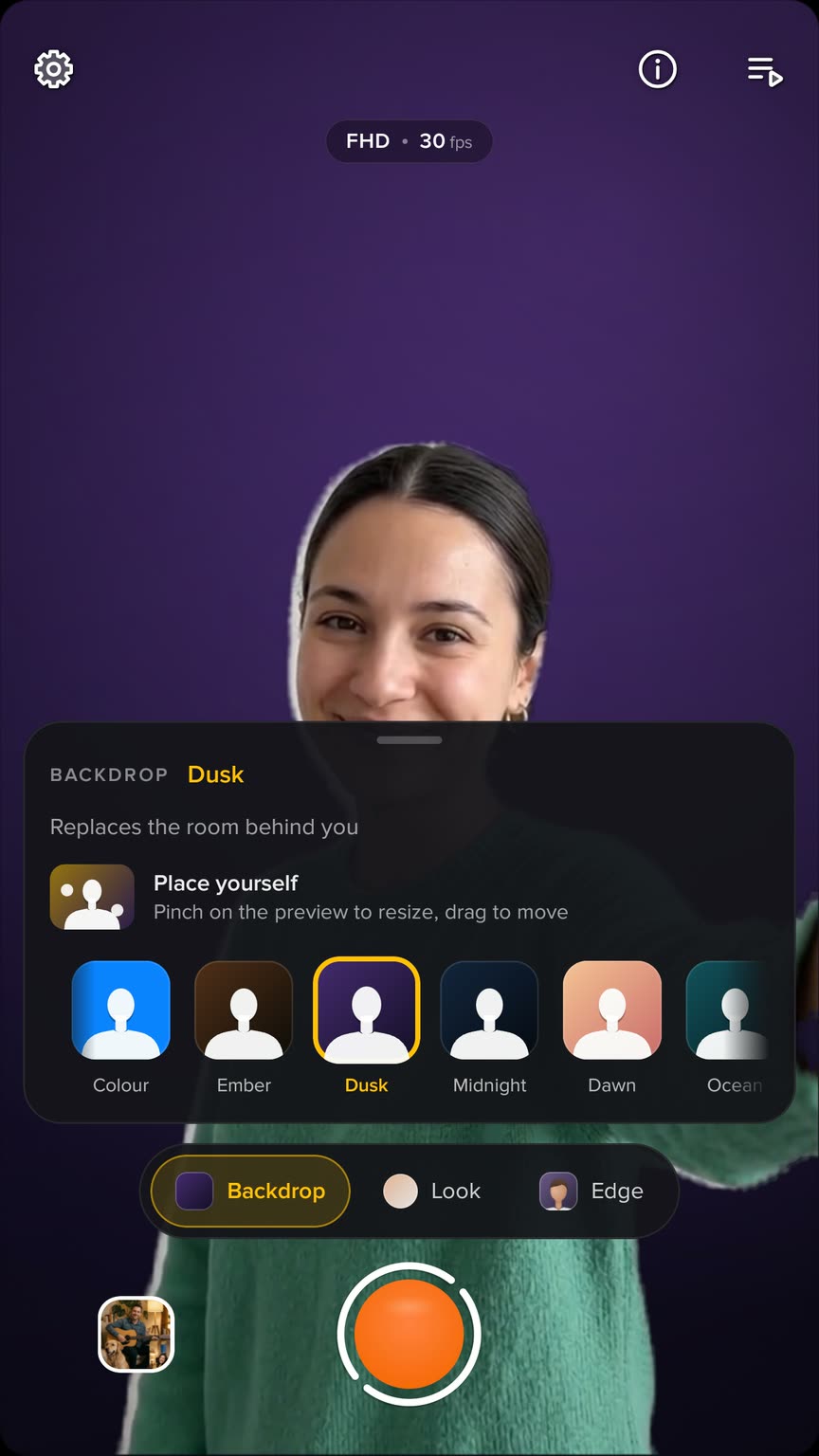
Your own photo or video, your room softly out of focus, a plain colour of your choice, or one of the designed stages.
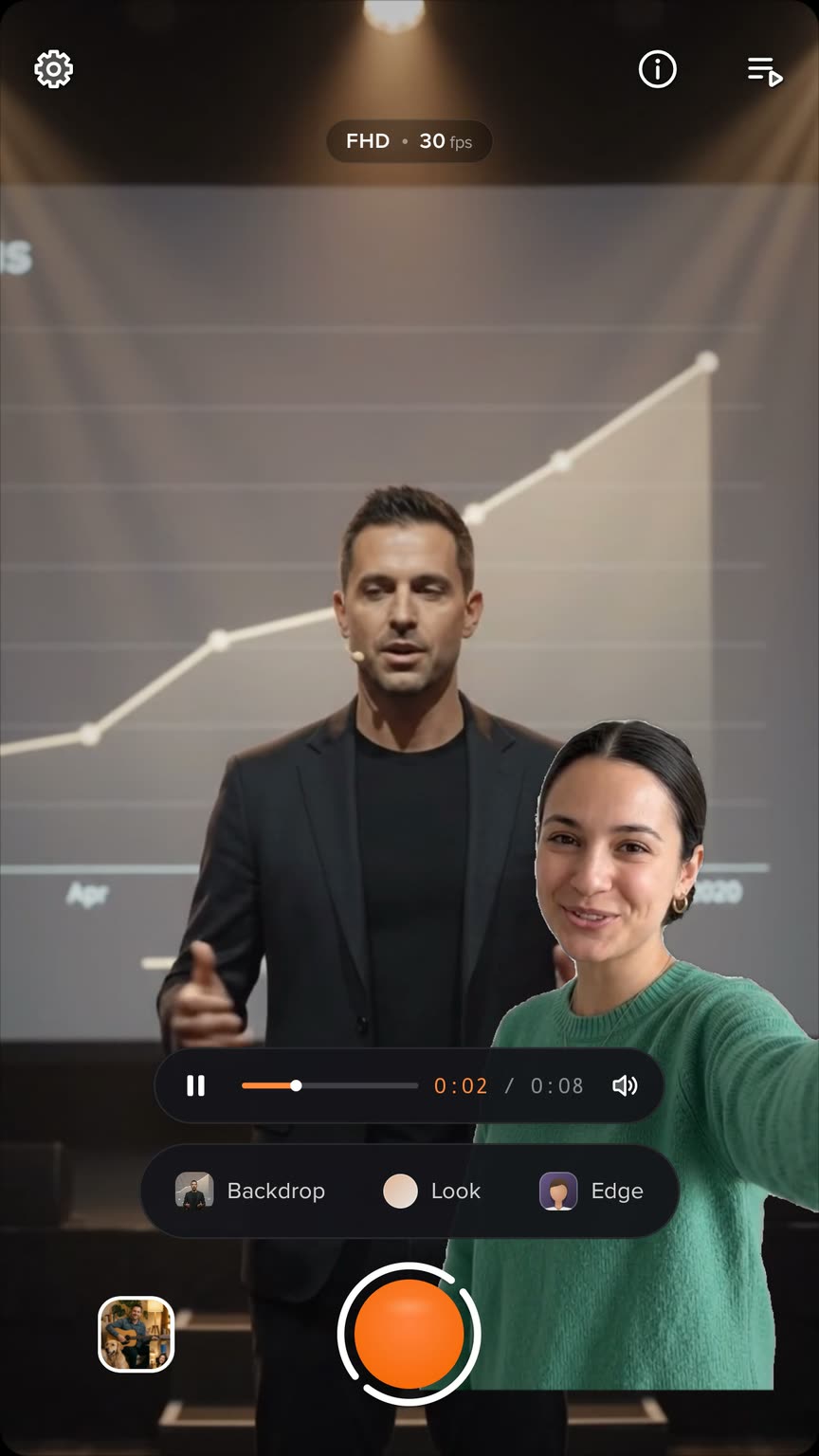
Add a video and it plays behind you while you react over it. Pause, skip five seconds either way, set its volume or mute it, and choose whether it fills the frame or shows it all.
Pinch the preview to make yourself bigger or smaller, and drag to move. One tap on Reset puts you back.
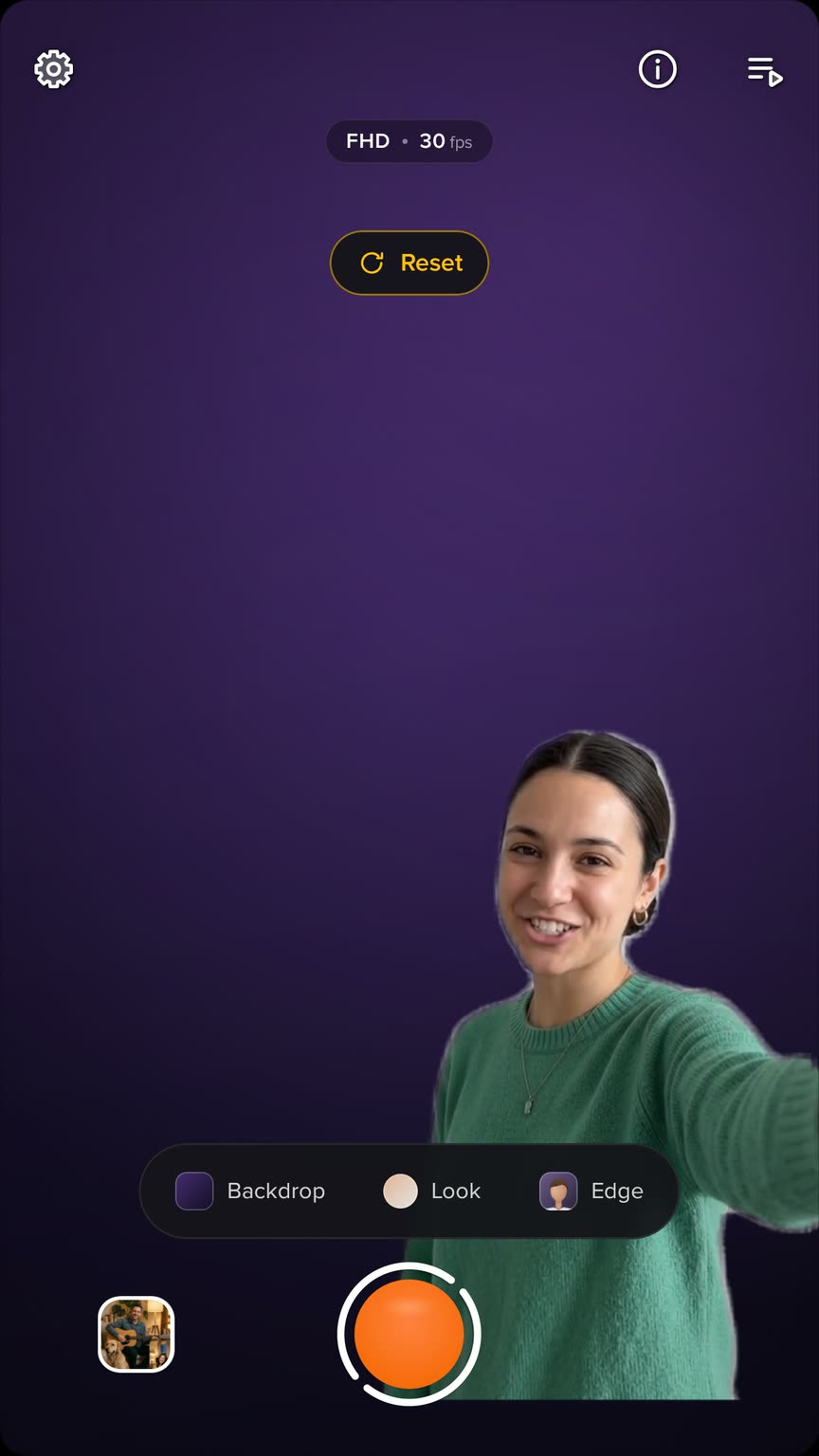
Ember, Dusk, Midnight, Dawn, Ocean and more, made to sit behind a person.
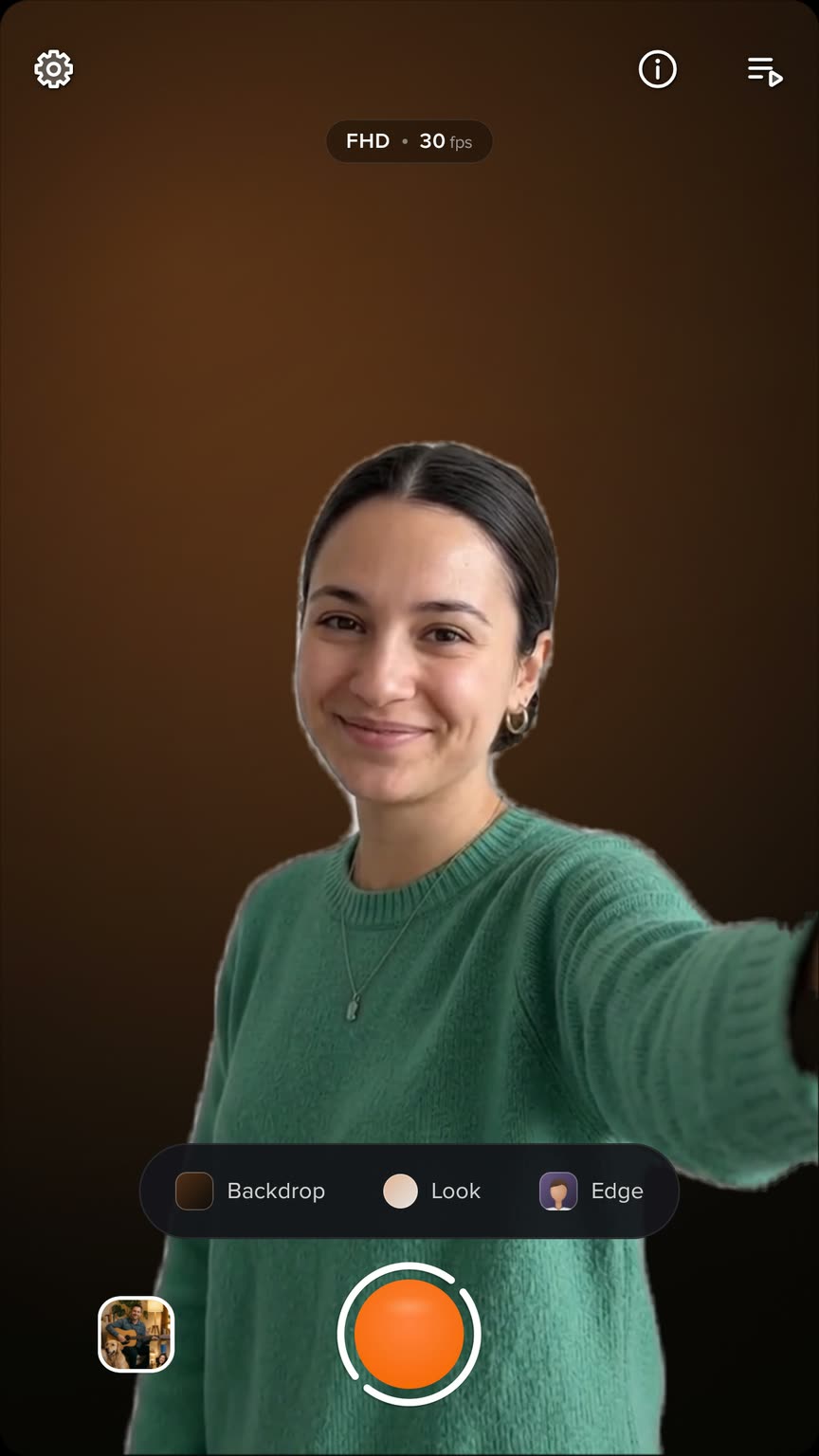
Warm, Cool, Vivid, Mono or Cinema grade you, and leave your backdrop as it is.
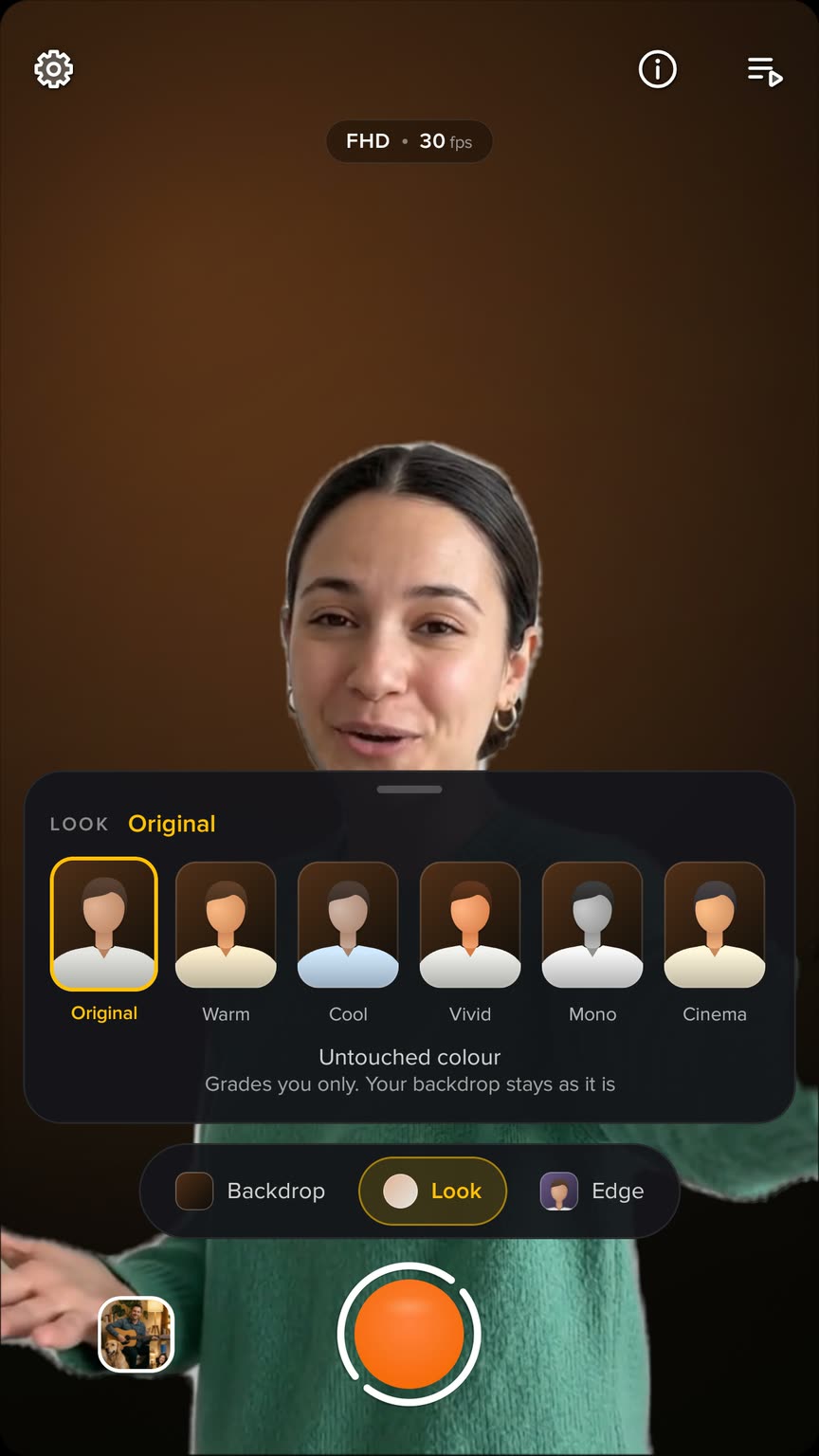
Soft to keep wispy hair, natural for most scenes, or a crisp clean cut.
Keep your room, softly out of focus: subtle, medium or strong.
A plain backdrop in the colour you pick.
Read your script under the lens while you present.
The cut-out runs on the device. Nothing is uploaded to be processed.
A video behind you can fill the frame or show all of it.